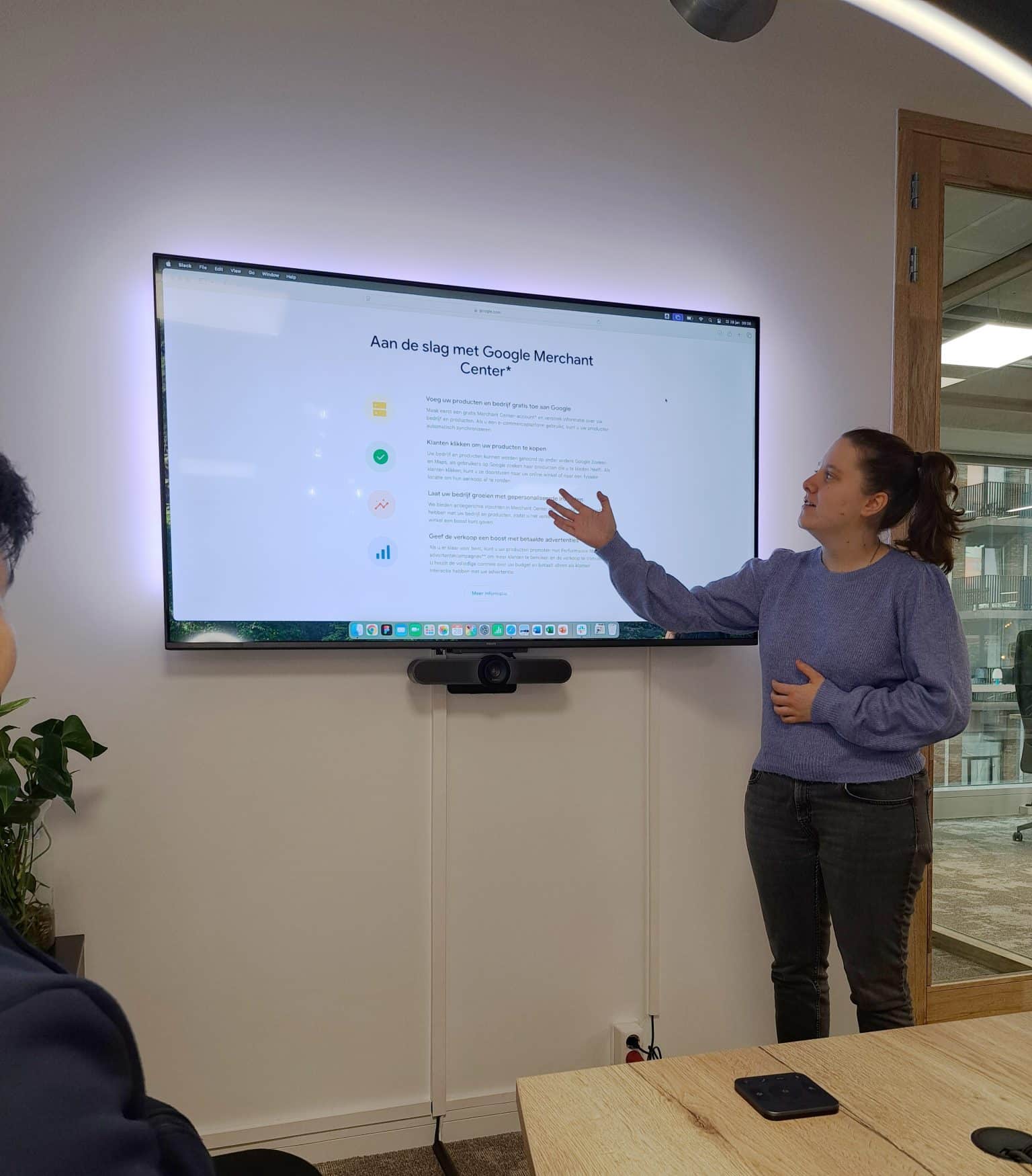
Wat is Google Shopping?
Adverteren via Google is voor veel bedrijven belangrijk. Heb jij een webshop? Dan kan adverteren via Google Shopping voor jouw bedrijf interessant zijn, naast het adverteren via Google Ads. Google Shopping ads zijn de advertenties die je ziet van producten boven de zoekopdracht. Ook heb je een apart tabblad genaamd Shopping waar je meer producten vindt. Voor een webshop is dit de belangrijkste manier van adverteren: zo zijn jouw producten gelijk zichtbaar, inclusief naam, prijs, afbeelding en een beknopte omschrijving. Google Shopping gaat via het Google Merchant Center. Je producten hierop zetten is gratis, voor de productadvertenties bovenin Google betaal je.Het online kopen van producten neemt de laatste jaren alleen maar toe. In 2024 kochten bijna dertien miljoen Nederlanders boven de twaalf jaar de afgelopen drie maanden iets online.
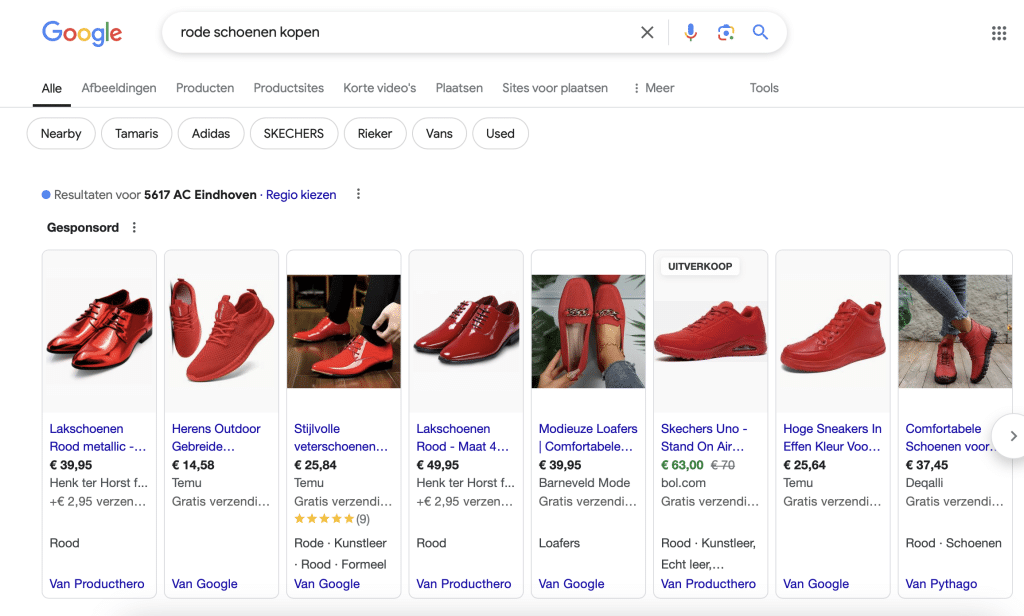
De Google Shopping ads voor de zoekterm ‘rode schoenen kopen’
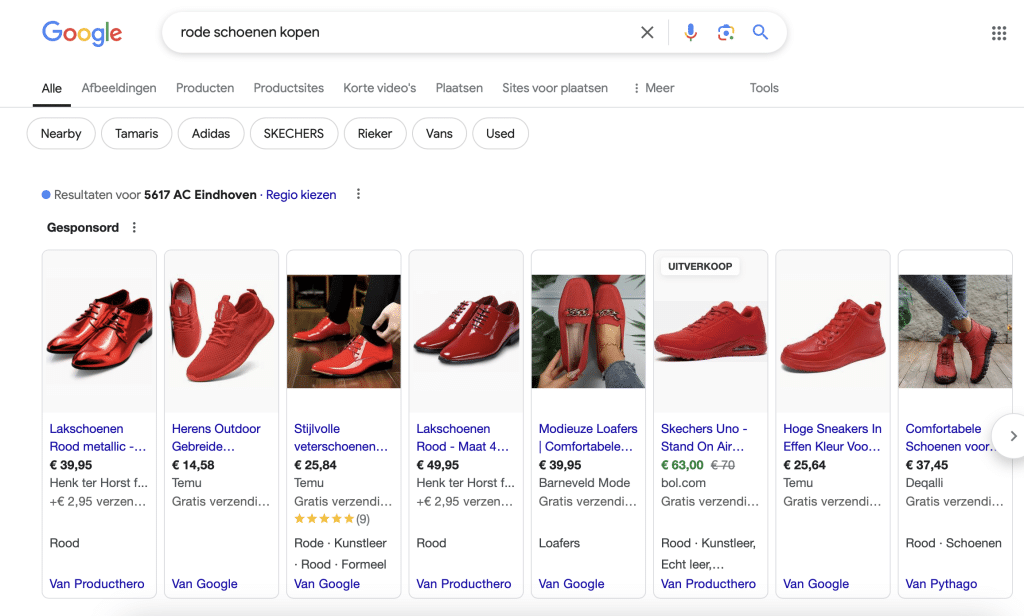
De Google Shopping ads onder het tabblad ‘Shopping’ voor de zoekterm ‘rode schoenen kopen’
Wat betaal je voor Google Shopping ads? Dit hangt af van verschillende factoren. Je betaalt net als bij Google Ads per klik wanneer je verschijnt tussen de zoekresultaten. Je stelt zelf een maximumbedrag in dat je wilt betalen, inclusief de biedingen en de bijbehorende strategie. Afhankelijk van wat je instelt, worden je producten wel of niet getoond. De zichtbaarheid hangt niet alleen af van je bieding, maar ook van de kwaliteitsscore van je advertentie: hoe beter deze is, hoe minder je betaalt.Wat zijn de voor- en nadelen van Google Shopping ads?
Voordat je aan de slag gaat met Google Shopping ads, wil je uiteraard alle voor- en nadelen weten. Hier komen ze; Wat zijn de voordelen?- Jouw producten zijn direct zichtbaar bovenaan de zoekresultaten wanneer consumenten een zoekopdracht invoeren die relevant is voor jouw productaanbod.
- Doordat je bovenaan staat, krijg je meer klikken op jouw producten.
- Je product is gelijk visueel zichtbaar. Dat zorgt voor een hogere koopintentie, waarmee kliks die binnen kopen vaak waardevoller zijn aangezien mensen al weten wat ze gaan kopen.
- Het is relatief eenvoudig om je aan te melden bij Google Shopping en het te gebruiken.
- De kosten per klik, CPC, zijn vaak lager dan bij bijvoorbeeld tekstadvertenties.
- Je kunt adverteren op productniveau en zo erg selectief relevante advertenties opzetten.
- Omdat er veel meer productadvertenties worden getoond dan tekstadvertenties via Google Ads, is de concurrentie aanzienlijk groter. Daarmee is de click through rate vaak lager.
- Het installeren en uploaden van je producten voor Google Shopping ads kan veel werk zijn.
- Je kunt geen zoekwoorden toevoegen zoals bij Google Ads. Google Shopping gebruikt daarvoor informatie uit je feed.
Google Shopping instellen: hoe doe je dat?
Om Google Shopping ads in te stellen heb je de volgende dingen nodig: een webshop met producten, een Google Merchant Center account en een Google Ads account. Wat zijn kort de stappen die je onder andere moet doorlopen?- Stel je accounts voor Google Ads en Google Merchant Center volledig in.
- Maak een campagne aan, inclusief advertenties. Zorg dat eerst je productfeed in orde is en Google Merchant Center gekoppeld is aan Google Ads.
- Zoekwoorden worden gekozen op basis van de feed die je hebt geüpload. Bijna elk platform heeft een mogelijkheid voor implementatie via een plug-in of extensie hiervoor.
- Zorg voor de juiste targeting. Houd rekening met locatie, demografie en het type apparaat.
- Controleer het veilinghuis en de kwaliteitsscore. Kies een biedstrategie en je kosten per klik.
- Blijf voortdurend optimaliseren om de beste resultaten te behalen. Neem de kwaliteitsscore van je advertentie onder de loep, deze bepaalt mede je positie in de zoekresultaten. Check ook de data in Google Analytics en het dashboard binnen Google Shopping zelf voor meer resultaten.
Belangrijk is dat jouw webshop goed ingesteld staat. Denk aan duidelijke afbeeldingen en complete productinformatie. Je wilt zoveel mogelijk relevante informatie in jouw productfeed opnemen.Richt je advertenties zo in dat ze opvallen en de aandacht trekken. Denk aan overtuigende titels, duidelijke afbeeldingen en genoeg productinformatie. Een aantal extra tips: stel bijvoorbeeld ook negatieve zoekwoorden in (niet relevante zoekwoorden) zodat je daar niet op gevonden wordt, adverteer op specifieke producten in plaats van op alles, splits dit goed op in advertentiesets voor verschillende doelgroepen en zet Google Shopping ads in voor retargeting.
JKC gaat voor jou aan de slag
Zoek je een partij die meedenkt met jouw marketing en je de taken uit handen neemt? JKC gaat graag voor jou aan de slag. We kijken graag mee hoe we advertenties het beste kunnen inzetten voor jouw bedrijf en doelgroep.Advertenties zoals Google Shopping ads uitbesteden? Wij denken mee met jouw marketing!